1 Answers
原理
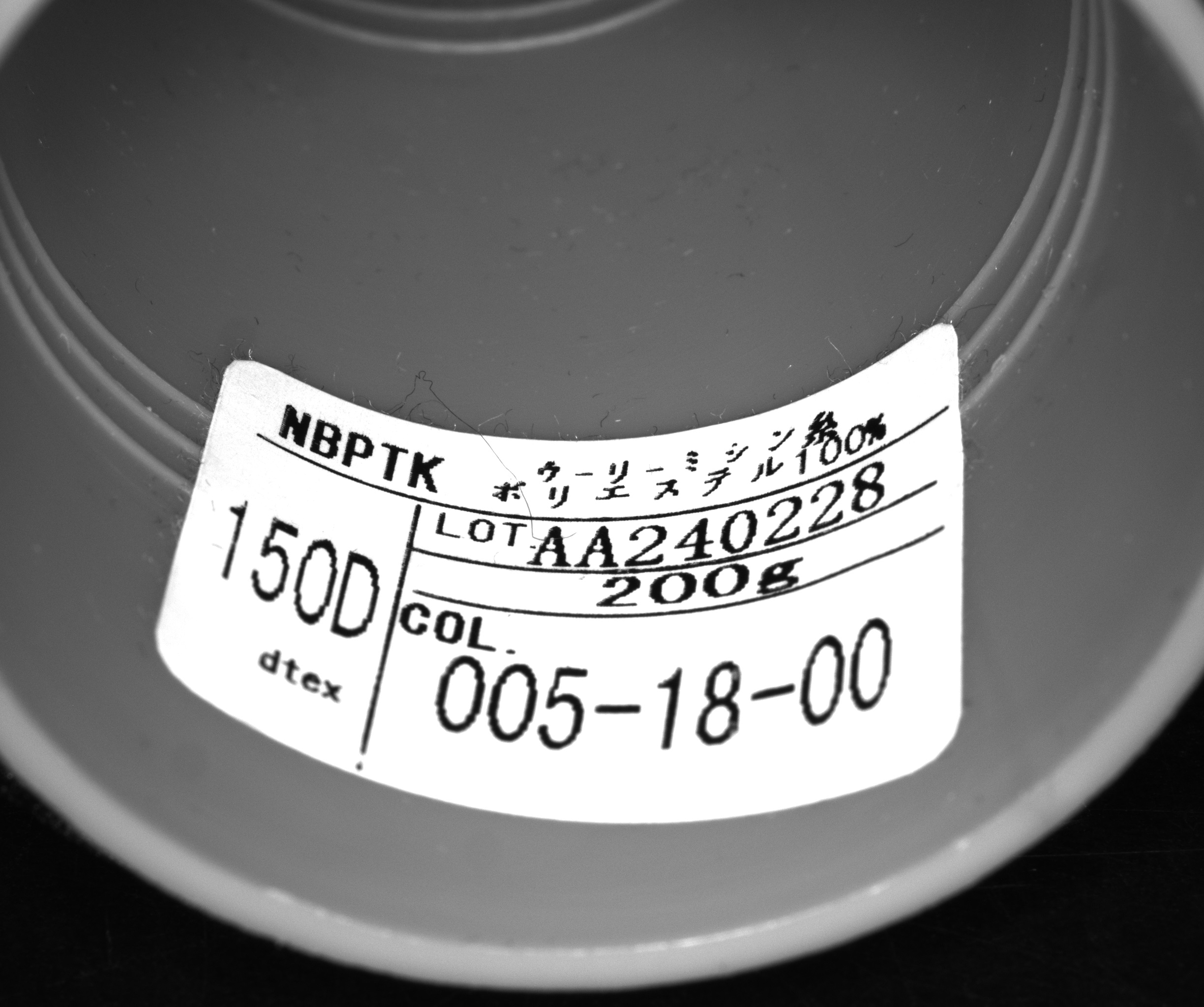
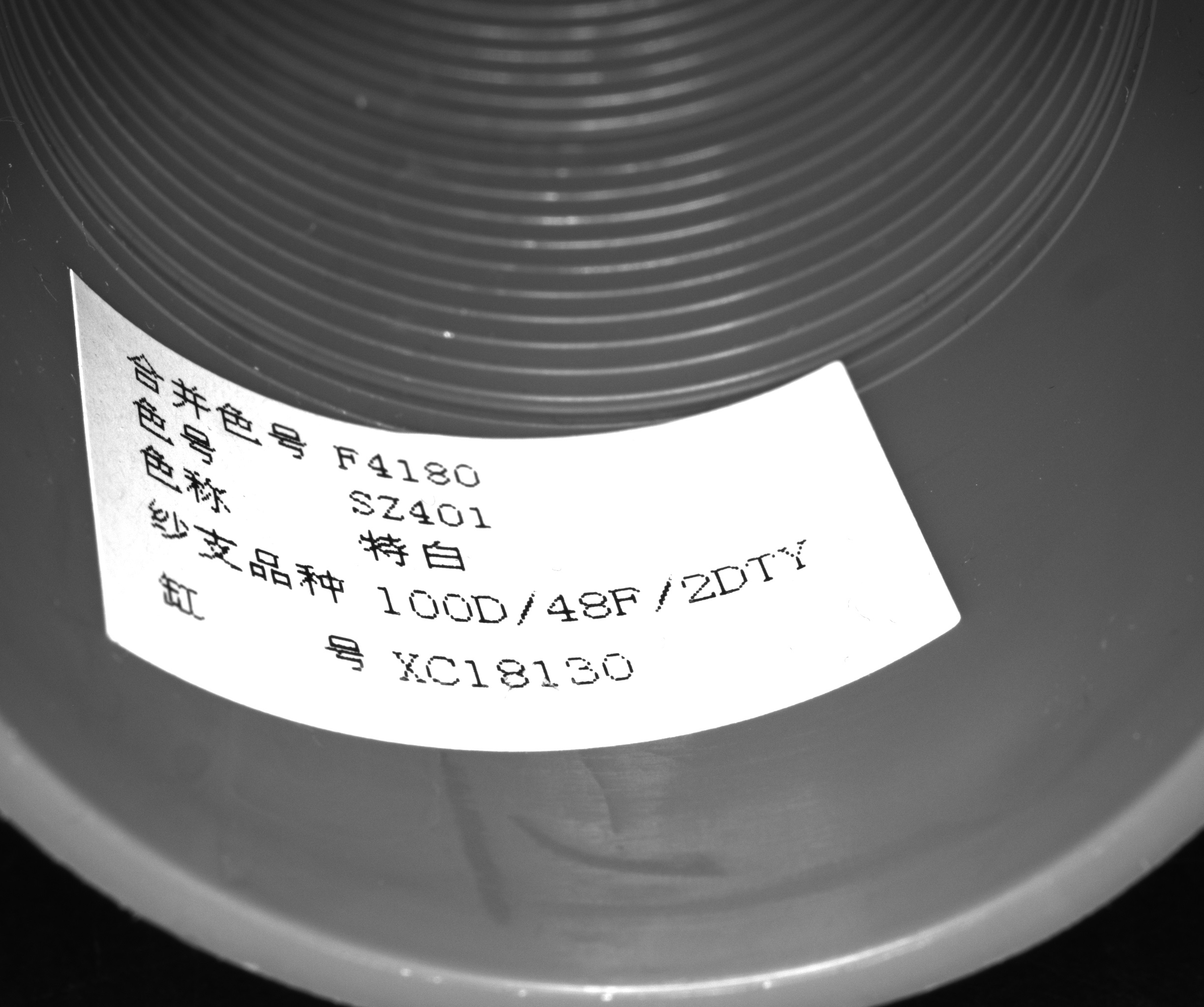
- 用中值滤波略微降噪后使用斑点工具找到标签的轮廓,之后用角点检测工具找到轮廓上的角点
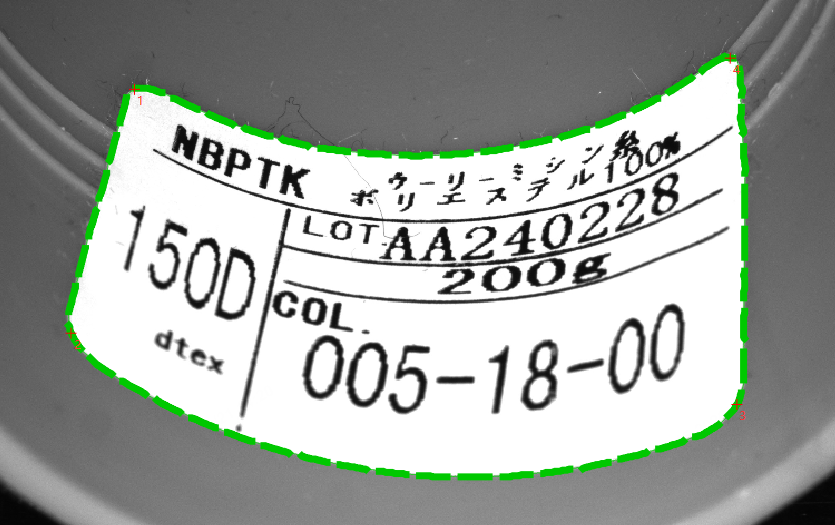
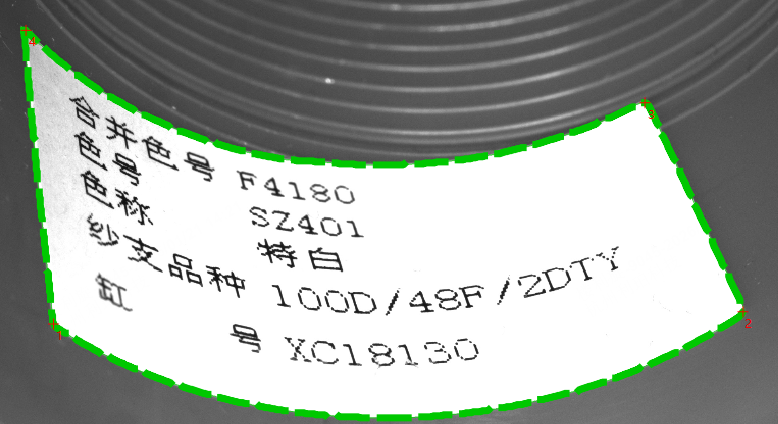
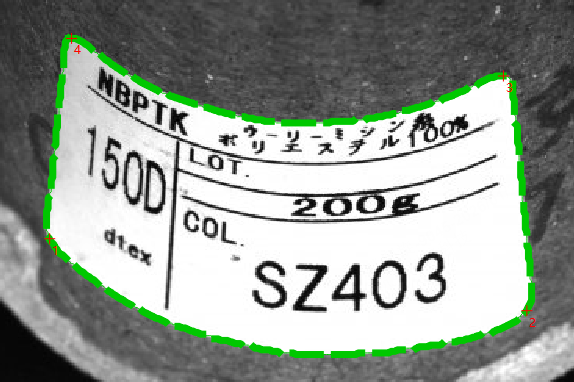
- 用昆斯面片公式建立不规则的四边形到矩形的映射关系,之后将原图轮廓中的内容映射到展平的矩形中
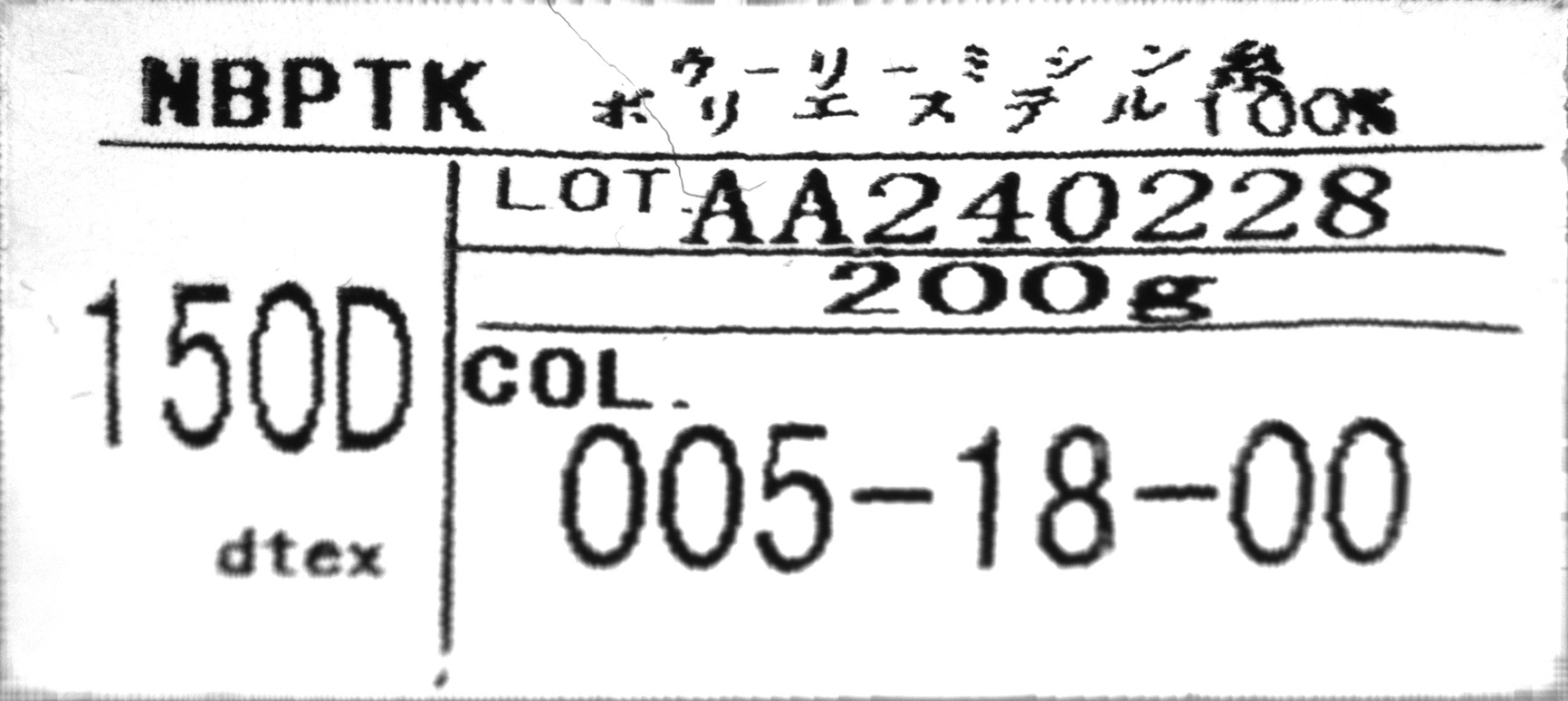
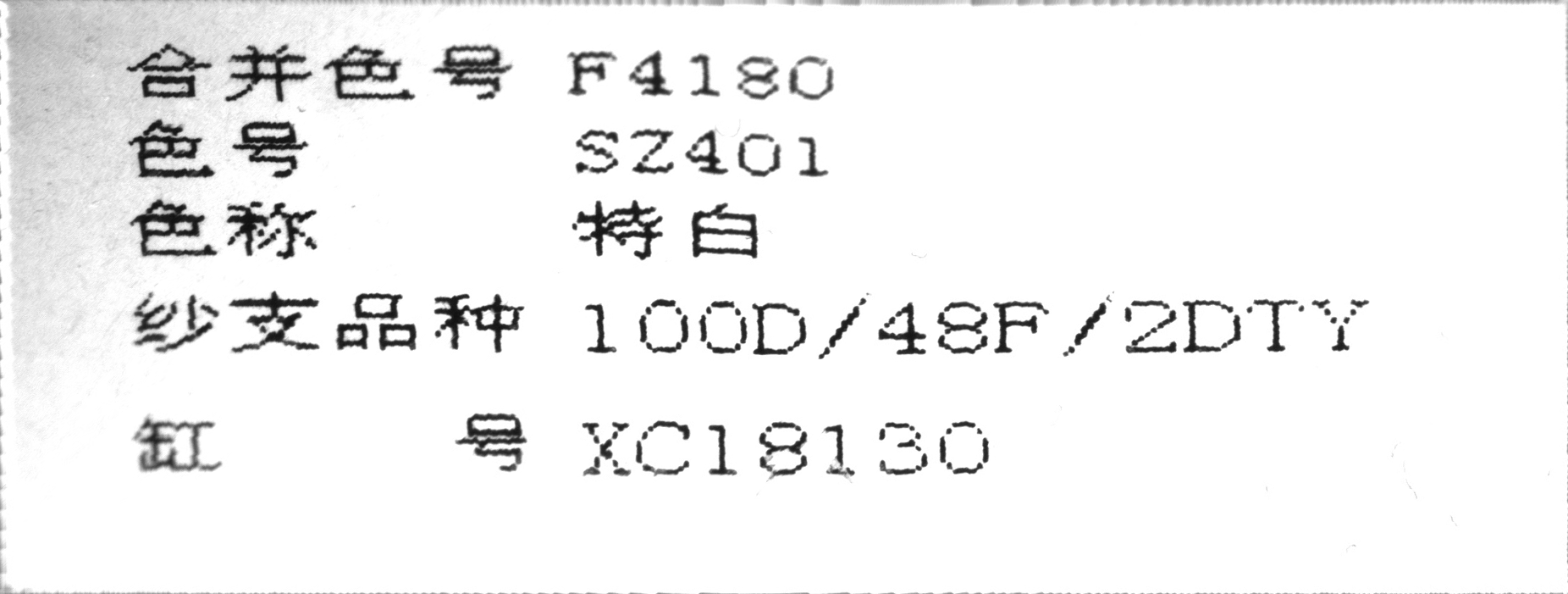
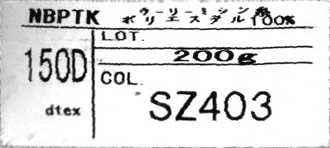
task及代码
1.先用灵闪3.9.7找到角点,导出数据(这个版本有bug,脚本工具无法定义嵌套函数)
find_corner.task
2.用脚本将标签纸展开为矩形
import os
import numpy as np
import cv2
import matplotlib.pyplot as plt


def get_ordered_segment(contour, start_idx, end_idx, reverse=False):
    if start_idx < end_idx:
        segment = contour[start_idx : end_idx + 1]
    else:
        segment = np.vstack([contour[start_idx:], contour[: end_idx + 1]])

    if reverse:
        return segment[::-1]
    return segment


def split_edges_by_corners(contour, corners):
    # 假设传入顺序 tl, tr, br, bl 是顺时针或逆时针在轮廓上的索引
    tl, tr, br, bl = corners

    # 1. Top: 左上 -> 右上
    top = get_ordered_segment(contour, tl, tr)

    # 2. Bottom: 左下 -> 右下
    bottom = get_ordered_segment(contour, br, bl, reverse=True)

    # 3. Left: 左上 -> 左下
    left = get_ordered_segment(contour, bl, tl, reverse=True)

    # 4. Right: 右上 -> 右下
    right = get_ordered_segment(contour, tr, br)

    return top, right, bottom, left


def arc_length(curve):
    d = np.diff(curve, axis=0)
    return np.sum(np.linalg.norm(d, axis=1))


def resample_curve(curve, num_points):
    """将曲线重采样为固定数量且等间距的点,保证插值均匀"""
    distances = np.sqrt(np.sum(np.diff(curve, axis=0)**2, axis=1))
    cumulative_dist = np.concatenate(([0], np.cumsum(distances)))
    total_dist = cumulative_dist[-1]
    query_dist = np.linspace(0, total_dist, num_points)

    resampled_x = np.interp(query_dist, cumulative_dist, curve[:, 0])
    resampled_y = np.interp(query_dist, cumulative_dist, curve[:, 1])
    return np.stack([resampled_x, resampled_y], axis=1)

def unroll_rectangle_coons(image, contour, corner_indices, pixels_per_unit=1.0):
    # 1. 用角点拆分四条边
    top, right, bottom, left = split_edges_by_corners(contour, corner_indices)

    # 2. 估计目标矩形尺寸
    W = int(((arc_length(top) + arc_length(bottom)) / 2.0) * pixels_per_unit)
    H = int(((arc_length(left) + arc_length(right)) / 2.0) * pixels_per_unit)
    W, H = max(W, 10), max(H, 10)

    # 3. 按像素确定采样点个数,对边缘进行采样
    num_u = max(W // 2, 100)
    num_v = max(H // 2, 100)

    T = resample_curve(top, num_u)
    B = resample_curve(bottom, num_u)
    L = resample_curve(left, num_v)
    R = resample_curve(right, num_v)

    # 4. 构建重映射网格 (Vectorized Coons Patch)
    u_idx = np.linspace(0, 1, W, dtype=np.float32)
    v_idx = np.linspace(0, 1, H, dtype=np.float32)
    uu, vv = np.meshgrid(u_idx, v_idx)

    # 5. 获取四条曲线边上的对应点, 对于每个 (u, v),我们需要在 T/B 边找 u 位置,在 L/R 边找 v 位置
    def get_curve_points(curve, idx_array):
        # 线性插值获取曲线上的连续点坐标
        indices = idx_array * (len(curve) - 1)
        low = indices.astype(np.int32)
        high = np.minimum(low + 1, len(curve) - 1)
        frac = (indices - low)[..., np.newaxis]
        return curve[low] * (1 - frac) + curve[high] * frac

    Tu = get_curve_points(T, uu) # 顶边在 u 处的坐标
    Bu = get_curve_points(B, uu) # 底边在 u 处的坐标
    Lv = get_curve_points(L, vv) # 左边在 v 处的坐标
    Rv = get_curve_points(R, vv) # 右边在 v 处的坐标

    # 四个角点坐标 (用于校正项)
    p00, p10 = T[0], T[-1]
    p01, p11 = B[0], B[-1]

    # 昆斯面片公式:线性混合
    # Lc = (1-v)T(u) + vB(u)
    # Ld = (1-u)L(v) + uR(v)
    # Lb = 双线性角点插值
    Lc = (1 - vv[..., np.newaxis]) * Tu + vv[..., np.newaxis] * Bu
    Ld = (1 - uu[..., np.newaxis]) * Lv + uu[..., np.newaxis] * Rv
    Lb = (1 - uu[..., np.newaxis]) * (1 - vv[..., np.newaxis]) * p00 + \
         uu[..., np.newaxis] * (1 - vv[..., np.newaxis]) * p10 + \
         (1 - uu[..., np.newaxis]) * vv[..., np.newaxis] * p01 + \
         uu[..., np.newaxis] * vv[..., np.newaxis] * p11

    # 最终映射坐标
    map_xy = Lc + Ld - Lb
    map_x = map_xy[:, :, 0].astype(np.float32)
    map_y = map_xy[:, :, 1].astype(np.float32)

    # 执行重映射 (使用 INTER_CUBIC 减少模糊)
    out = cv2.remap(image, map_x, map_y,
                    interpolation=cv2.INTER_CUBIC,
                    borderMode=cv2.BORDER_CONSTANT)
    out = cv2.flip(out, 0)
    return out


def draw_contour_on_image(image: np.array, contour_pts: np.array, corner_indices: np.array = None):
    img_with_contour = image.copy()
    if len(img_with_contour.shape) == 2:  # 灰度图转RGB
        img_with_contour = cv2.cvtColor(img_with_contour, cv2.COLOR_GRAY2BGR)
    elif img_with_contour.shape[2] == 1:  # 单通道转RGB
        img_with_contour = cv2.cvtColor(img_with_contour, cv2.COLOR_GRAY2BGR)

    contour_pts = contour_pts.reshape(-1, 1, 2)
    contour_int = contour_pts.reshape(-1, 1, 2).astype(np.int32)
    cv2.polylines(img_with_contour, [contour_int], isClosed=True,
                  color=(0, 255, 0), thickness=2, lineType=cv2.LINE_AA)

    plt.figure(figsize=(12, 8))
    plt.imshow(cv2.cvtColor(img_with_contour, cv2.COLOR_BGR2RGB))
    plt.title('原图上的轮廓和角点')
    plt.axis('off')
    plt.show()


    return img_with_contour


if __name__ =='__main__':
    data_dir = r'C:\Users\abc\Desktop\data'
    index = 3
    contour_pts = np.load(os.path.join(data_dir, f'contour_pts_{index}.npy'))
    corner_idx = np.load(os.path.join(data_dir, f'corner_idx_{index}.npy'))
    image = cv2.imread(os.path.join(data_dir, f'{index}.jpg'))

    contour_pts = contour_pts.reshape(-1, 2)
    corner_idx = corner_idx.astype(np.int32)
    res = unroll_rectangle_coons(image, contour_pts, corner_idx, pixels_per_unit=1.0)
    Result = res
后续补充
在灵闪3.9.14上已经修复了脚本bug,所以提供下新的task
find_corner (1).task